
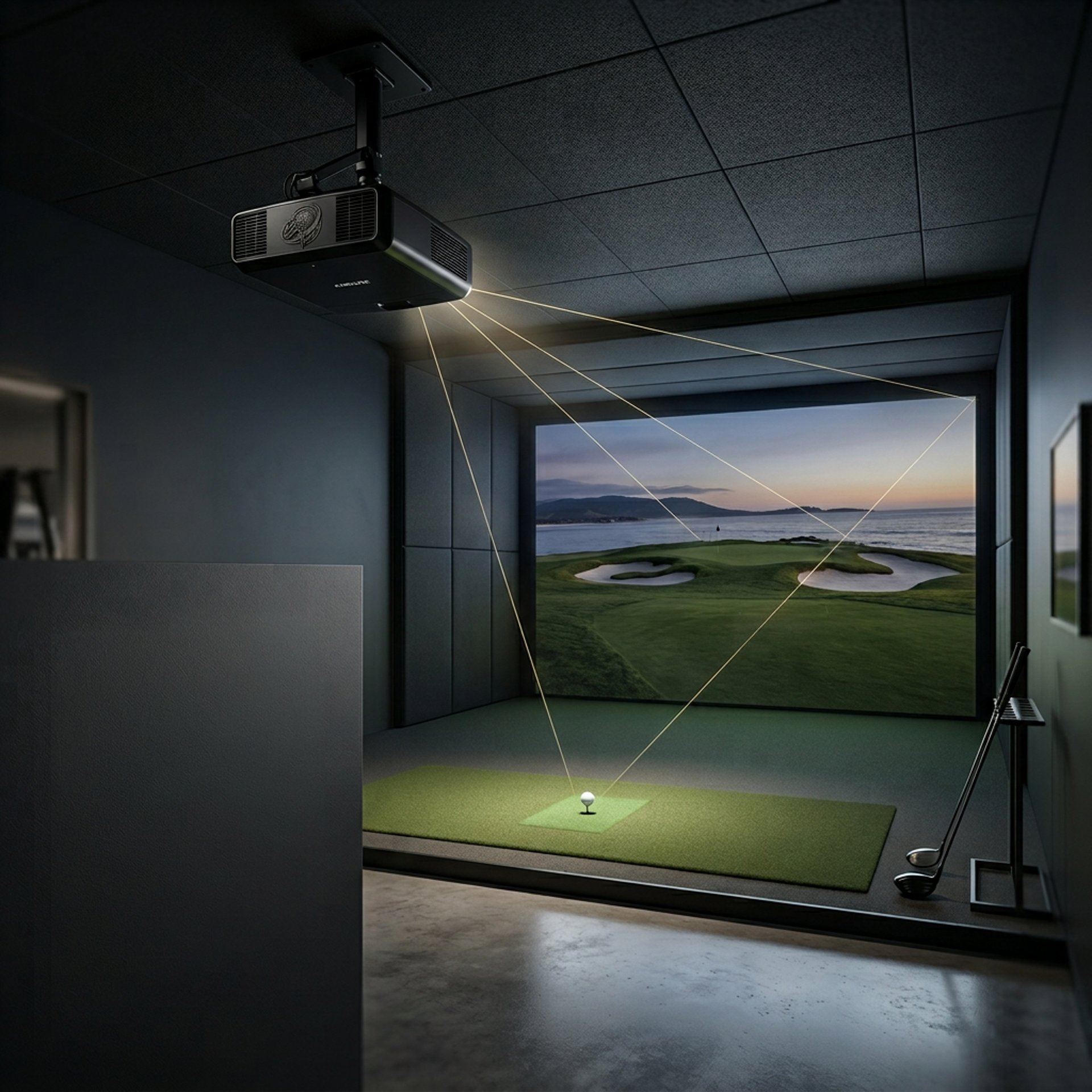
Best Projectors for Golf Simulators
Choosing the right projector can make or break your simulator experience. If you're starting from scratch, the Golf Sim Projectors guide breaks down how everything fits together before you choose your setup.
Brightness, throw distance, input lag, and image clarity all directly impact how realistic your setup feels.
Whether you're building a full enclosure or a simple garage sim, the right projector ensures clean visuals, accurate ball tracking feedback, and a smooth playing experience.
Transparency Note: We may earn a commission from qualifying purchases. Product selections are made independently and are not influenced by manufacturers.
The biggest mistake is thinking any bright projector will work in a golf simulator.
That’s how people end up with:
Dim images
Bad shadows
Awkward mounting
Noticeable delay after impact
Poor image fit on the screen
Another common issue is buying based on home theater specs alone. A projector can look great for movies but still be frustrating in a golf simulator if the throw distance is wrong or the input lag is too high.
There’s also the problem of placement. A great projector mounted in the wrong spot can create shadows, sit in the swing path, or become a target for a bad shot.
Golf simulator projectors need to be judged by the room, the screen size, the hitting position, and how the image works while someone is actually swinging a club.
If you want a full breakdown of how to match specs to your setup, the Golf Simulator Projector Guide walks through everything step-by-step.
Why Most People Choose the Wrong Golf Simulator Projector
Optoma UHZ35ST
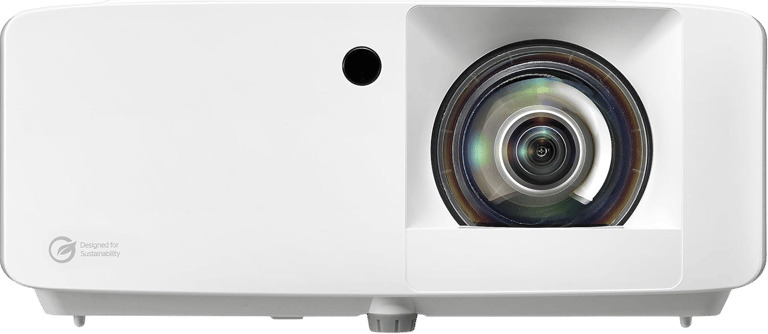
Verdict: Best overall projector for serious golf simulator builds.
Best For: Full simulator rooms
Not Ideal For: Ultra-tight budget setups
Key Strengths:
• Laser light source improves long-term reliability
• Short throw design works well for simulator rooms
• Bright 4K image creates a cleaner screen experience
• Low input lag helps the simulator feel more responsive
Key Weaknesses:
• Higher price than basic 1080p options
• Still needs proper throw distance planning
• May be more projector than casual users need
Real-World Use Case:
Perfect for golfers building a dedicated simulator space who want strong visuals, lower lag, and better long-term performance than a basic lamp projector.
Setup Notes:
This is the type of projector that makes the most sense when the rest of your simulator is already fairly serious.
It pairs best with a proper impact screen, enclosure, and controlled lighting setup.
If you are building around a launch monitor, hitting mat, and full screen setup, this is the projector that helps the room feel more complete instead of stitched together.
If you're working with tight space constraints, What Throw Ratio Do You Need for a Golf Projector? will help you make sure this setup actually fits your room.
BUZZ PICK
Optoma UHZ35ST
Best Overall
ViewSonic PX703HDH
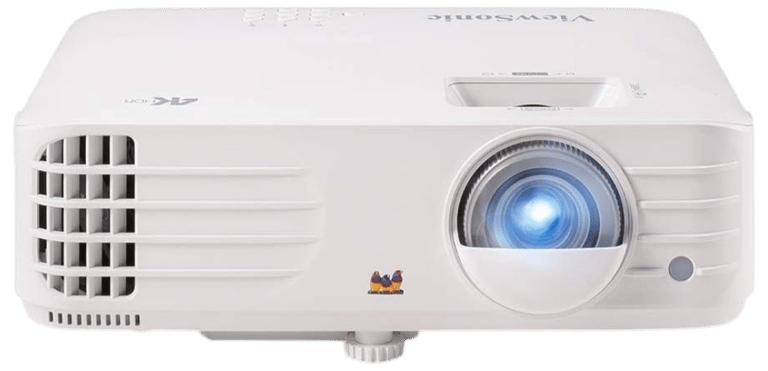
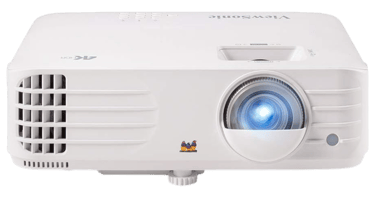
Verdict: Best budget-friendly projector for basic golf simulator builds.
Best For: Garage builds and entry-level setups
Not Ideal For: High-end dedicated rooms
Key Strengths:
• Affordable price point
• Strong brightness for the money
• Simple setup for beginners
• Good choice for casual practice spaces
Key Weaknesses:
• 1080p image is not as sharp as 4K
• Standard projector limitations still apply
• Not the best fit for premium simulator rooms
Real-World Use Case:
Ideal for golfers who want to build a working simulator without spending premium money on the projector first.
Setup Notes:
This works best when expectations are realistic.
It can create a useful golf simulator image, especially in garages or multipurpose rooms, but it will not feel as polished as a laser short throw or ultra short throw setup.
If your budget is tight, this is the safer starting point before jumping into expensive projector territory.
If brightness is your main concern in a garage or mixed-use room, What Lumens Do You Need for a Golf Simulator? will help you avoid a dim setup.
BUZZ PICK
ViewSonic PX703HDH
Best Budget
BenQ TK700
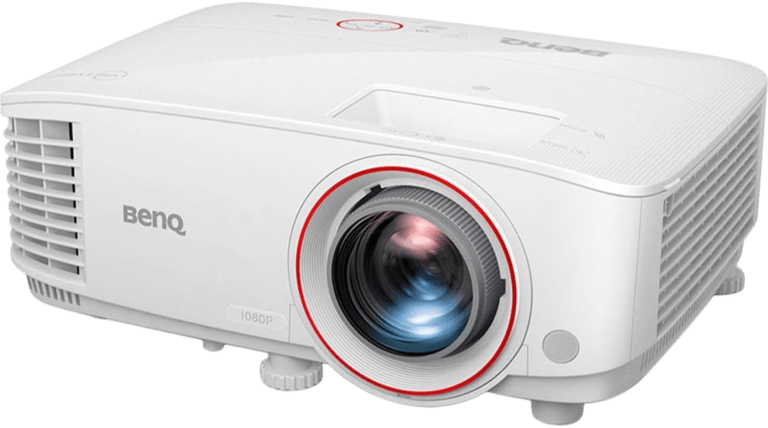
Verdict: Best beginner-friendly 4K projector for balanced simulator setups.
Best For: First serious golf simulators
Not Ideal For: Users needing ultra short throw placement
Key Strengths:
• 4K image improves visual detail
• Low input lag helps gameplay feel responsive
• Bright enough for many home simulator rooms
• Strong middle-ground option between budget and premium
Key Weaknesses:
• Placement still needs planning
• Not as flexible as short throw models
• May require more room depth than some garage setups allow
Real-World Use Case:
Great for golfers who want a sharper image and better responsiveness without going all the way into premium ultra short throw pricing.
Setup Notes:
This is a strong “first real projector” choice.
It makes sense for someone who wants their golf simulator to also feel good for entertainment, gaming, or general media use.
Just make sure your room depth, screen size, and mounting position work before committing.
Placement still matters here—Best Projector Placement for Small Golf Simulator Rooms will help you avoid mounting issues and shadow problems.
BUZZ PICK
BenQ TK700
Best for Beginners
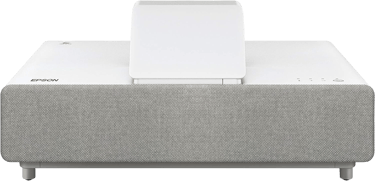
Epson EpiqVision Ultra LS500
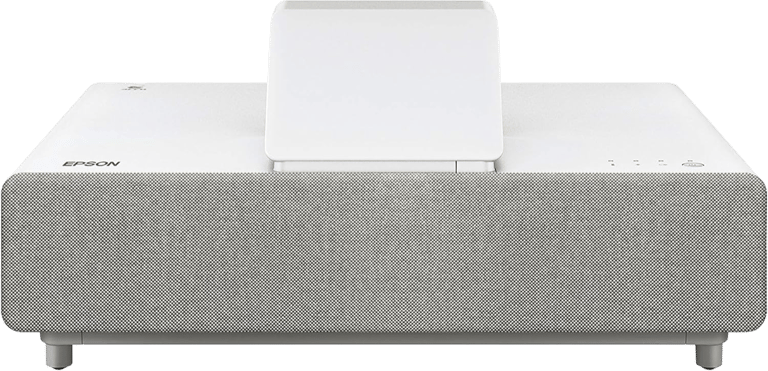
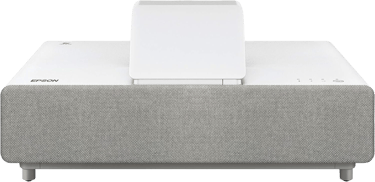
Verdict: Best premium projector for high-end golf simulator rooms.
Best For: Premium dedicated spaces
Not Ideal For: Small budgets or casual builds
Key Strengths:
• Ultra short throw setup reduces shadow issues
• Laser projection improves long-term use
• Bright image works well in premium rooms
• Excellent fit for clean, high-end simulator layouts
Key Weaknesses:
• Expensive compared to standard projectors
• Placement is more exact than people expect
• Overkill for casual practice setups
Real-World Use Case:
Perfect for golfers building a cleaner, more finished simulator room where image quality, shadow control, and premium feel matter.
Setup Notes:
Ultra short throw sounds easy, but it still needs careful placement.
The biggest benefit is reducing shadows and keeping the projector out of the main swing area.
This is not the “cheap and simple” choice. It is the choice for someone who wants the simulator room to feel polished from the start.
If shadow reduction is a priority in your build, Why Your Golf Simulator Projector Has Shadows (Fix Guide) breaks down how to eliminate them completely.
BUZZ PICK
Epson Ultra LS500
Best Premium
Voice of Reality:
Cheap Projectors for Golf Simulators
Here’s the honest truth most sites will not tell you:
If you go too cheap on a golf simulator projector, you are not really saving money — you are usually buying frustration.
Ultra-budget projectors often struggle with:
Low brightness
Poor contrast
Weak resolution
Bad placement options
Noticeable input delay
What This Means in Real Use:
The image looks washed out
Shadows become distracting
Ball flight visuals feel delayed
Screen coverage becomes awkward
The simulator feels cheaper than it should
The Better Move:
If the budget is tight, go with a proven affordable projector like the ViewSonic PX703HDH instead of chasing the cheapest no-name option.
It is safer to buy a basic projector that can actually handle simulator use than a random projector that looks good in a product photo but fails in the room.
What Actually Matters in a Golf Simulator Projector
Brightness
Brightness matters more in golf simulators than most people expect.
Impact screens are not the same as home theater screens, and many golf simulator spaces have garage lighting, ceiling lights, windows, or ambient light to deal with.
A dim projector makes the whole setup feel flat.
Throw Distance
Throw distance decides where the projector can actually go.
This matters because your projector has to work around the hitting area, swing path, ceiling height, and screen size.
A projector with the wrong throw distance can create shadows or force an awkward mount.
If you’re comparing projector types directly, Short Throw vs Standard Projectors for Golf Sim Setup will help you decide what works best in your space.
Input Lag
Input lag is the delay between the shot and what you see on screen.
For golf simulators, lower lag makes the experience feel more natural.
It is not just a gaming spec. It affects how connected the simulator feels after impact.
Resolution
4K looks better, but it is not always the first priority.
For most golfers, brightness, placement, and lag matter before resolution.
Once those are handled, 4K becomes a nice upgrade.
Budget Builds
Choose ViewSonic PX703HDH if you want a lower-cost projector that still gives you a workable golf simulator image.
This is the best fit for garages, casual practice, and first simulator builds.
Balanced Setups
Choose BenQ TK700 if you want 4K detail, low lag, and a projector that can also work well outside the simulator.
This is the middle-ground pick for golfers who want better visuals without jumping to premium pricing.
Serious Simulator Builds
Choose Optoma UHZ35ST if your simulator is becoming a dedicated setup.
This is the best overall fit when you care about performance, placement flexibility, and long-term use.
Premium Rooms
Choose Epson EpiqVision Ultra LS500 if you want a cleaner high-end room with reduced shadows and a more polished visual experience.
This is for golfers who want the room to feel finished, not temporary.
How to Choose the Right Golf Simulator Projector
COMMON MISTAKES TO AVOID
Buying based only on resolution
Ignoring throw distance
Choosing too few lumens
Mounting in the swing path
Forgetting about shadows
Ignoring input lag
Buying a cheap projector first
Not matching the projector to the screen size
Frequently asked questions
Do you need a short throw projector for a golf simulator?
No, but short throw projectors are often easier to use in simulator rooms because they reduce shadows and work better in tighter spaces.
How many lumens do you need for a golf simulator projector?
Most golf simulator setups should aim for at least 3,000 lumens. Brighter rooms or larger screens may need more.
Is 4K worth it for a golf simulator?
Yes, if the rest of your setup supports it. But brightness, throw distance, and input lag matter more than 4K alone.
Can a projector get hit by a golf ball?
Yes. Bad placement can put the projector at risk. Ceiling mounting, proper offset, or protective positioning can help reduce that risk.
What is the best projector placement for a golf simulator?
The best placement depends on your room and screen size, but most setups work best with the projector mounted safely above or slightly behind the hitting area.
Are ultra short throw projectors good for golf simulators?
Yes, ultra short throw projectors can work very well because they reduce shadows and stay closer to the screen. They do require careful placement.
Can I use a cheap projector for a golf simulator?
You can, but very cheap projectors usually struggle with brightness, lag, and image quality. A budget-friendly name-brand projector is usually a safer move.
What matters more: brightness or resolution?
Brightness usually matters more. A bright 1080p image often feels better than a dim 4K image in a golf simulator.
Quick Picks for Your Bag


BUZZ PICK - Tour Accuracy
Optoma
UHZ35ST
Tour-level precision with elite slope and flag locking.
BUZZ PICK - Budget Accuracy
ViewSonic
PX703HDH
Reliable slope distances with simple, beginner-friendly use.
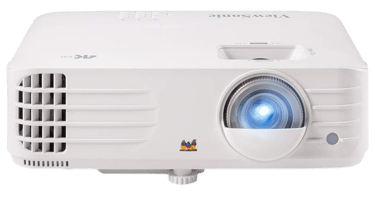
BUZZ PICK - Tech Golfers
BenQ
TK700
Laser precision paired with Garmin GPS course integration.
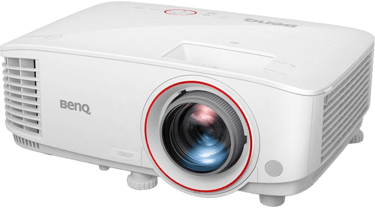
BUZZ PICK - Premium Optics
Epson EpiqVision
Ultra LS500
Stabilized optics improve targeting and long-range clarity.

Final Verdict
The best projector for your golf simulator depends on your room, budget, and how serious the setup is.
Best Overall: Optoma UHZ35ST
Best Budget: ViewSonic PX703HDH
Best for Beginners: BenQ TK700
Best Premium: Epson EpiqVision Ultra LS500
The right projector is not just about making the screen look better. It helps the whole simulator feel cleaner, smoother, and more realistic.
Get the projector right, and the room feels like a real golf simulator instead of a hitting mat with a screen.
Where Do You Want to Go Next?
Choose your path based on what you need right now.
Explore Everything
Dive deeper into:
projector throw ratios
short throw projectors
golf sim brightness levels
projector placement tips
simulator image quality
indoor golf visuals
This is the best place to better understand golf simulator projector performance and setup quality.
Compare Before You Buy
Trying to decide which golf simulator projector fits your setup best?
Compare:
UHZ35ST vs HORIZON 20 Pro
brightness and clarity
throw distance flexibility
Seeing the real-world differences between image quality, placement, and brightness makes projector selection much easier.
If you simply want a bright short throw projector for golf simulator use, start with the Optoma UHZ35ST.
It offers:
bright simulator visuals
short throw flexibility
sharp image quality
smooth gameplay support
reliable golf sim use
Just Get It Done
© 2026 GolfTechBuzz. All rights reserved.
Golf Tech Buzz
Performance Through Data
Practical guides, real-world setups, and unbiased comparisons for golfers building smarter practice environments.
General Inquiries: